
Live Apple Podcasts captions
Follow every word from a compact native panel in your menu bar.
 Upperband
Upperband displays synchronized podcast captions in the macOS menu bar. It supports translated captions, bilingual captions, and automatic transcript synchronization after dynamic advertisements.
Get Upperband — €19.99Stripe test checkout · No real charge.
Private beta · macOS 15 or later
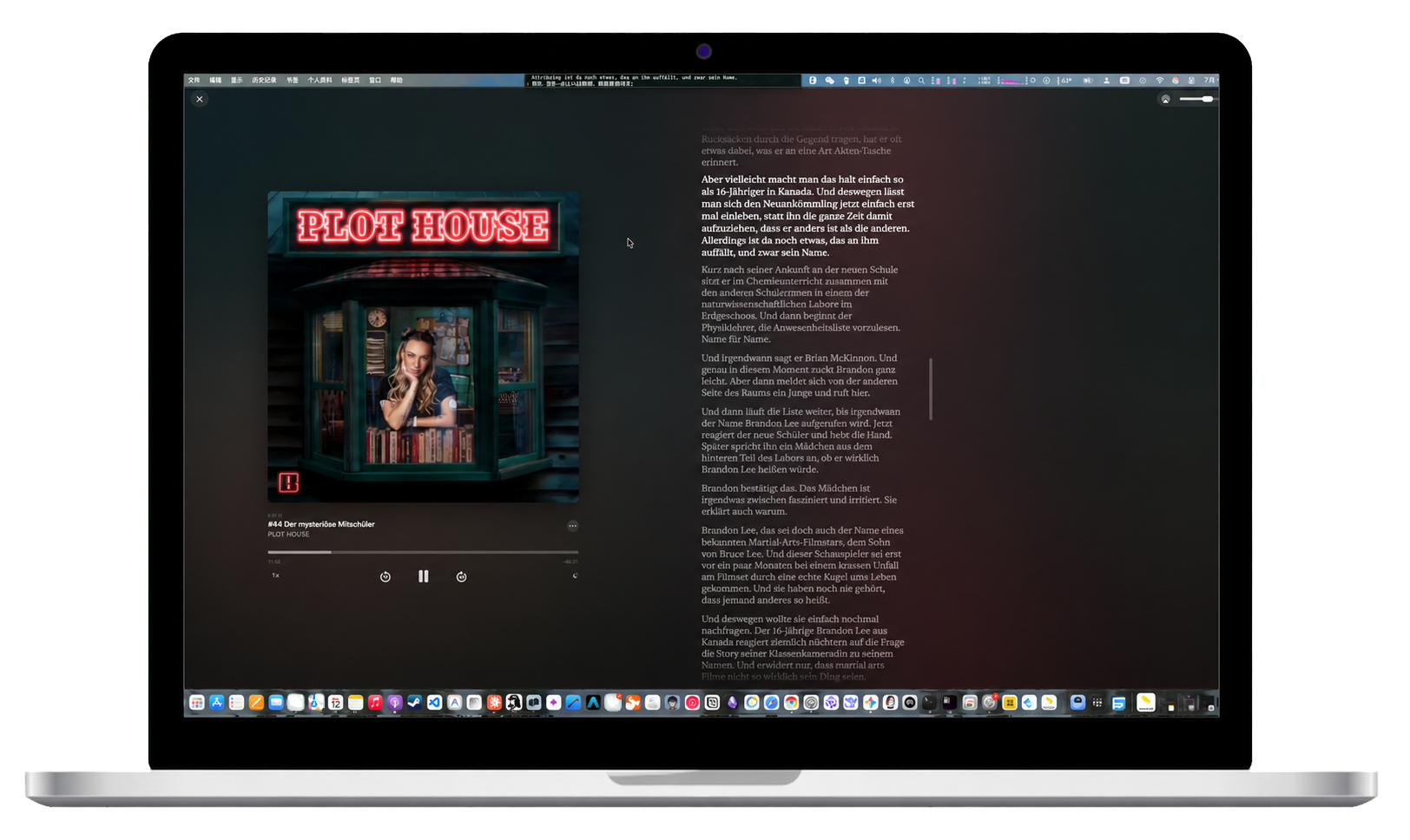
Switch between native, Rams, Walkman, and iPod-inspired controls. Tune width, type, position, opacity, shadow, and blur.
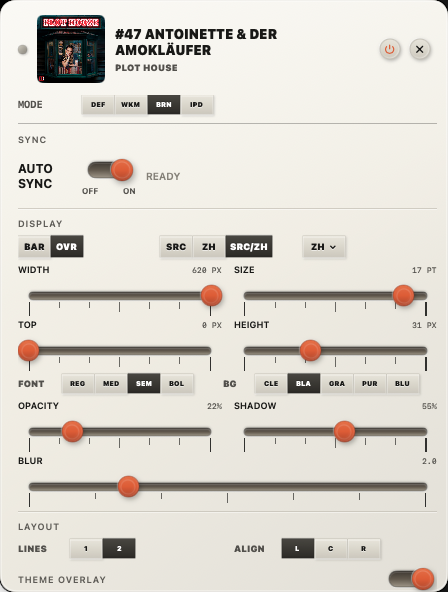
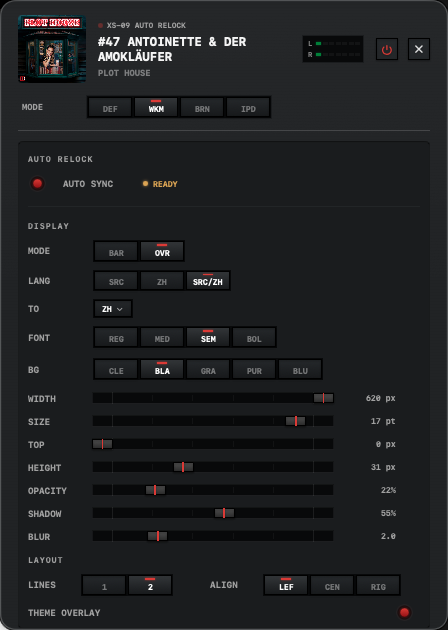
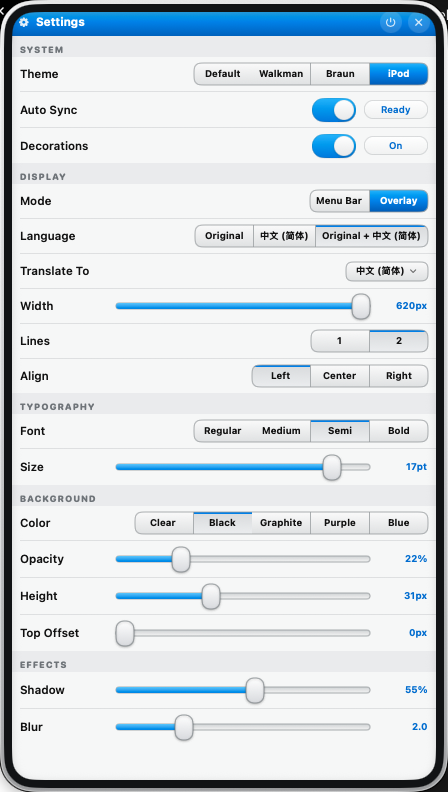
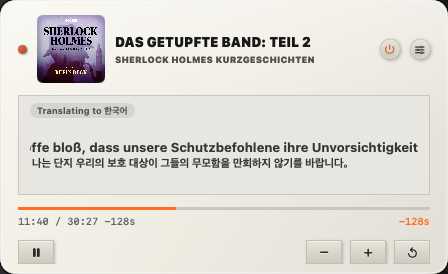
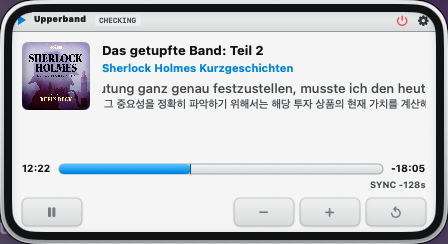
Check the current line, translation, playback progress, and synchronization offset in one compact window.
Keep the original wording close while reading a translation in the language that works for you.






Made for listening
Follow every word from a compact native panel in your menu bar.
Read translated captions alongside the original transcript.
Upperband realigns after dynamic advertisements shift the episode timeline.
Choose bilingual display and custom caption themes. Original captions remain available after the trial.
macOS 15 or later
Currently in private beta.